How to Print an Individual Copy of The Client Letter
1. Open a tax return.
2. From the top menu, select Print->Return Components.
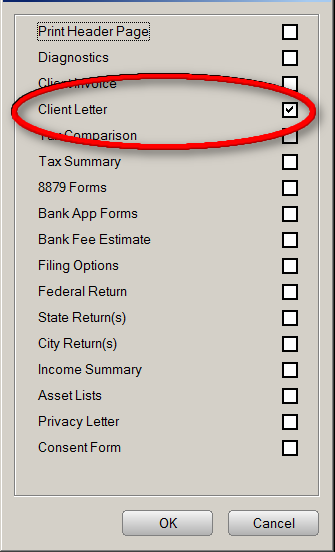
3. Select the Client Letter check box. Verify no other items are selected.
4. Click OK. The program will print an individual copy of the client letter.