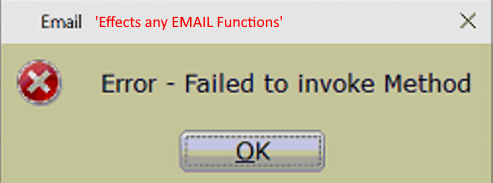
’Error – Failed to invoke Method’ when emailing from within the program.
Symptoms
While attempting to email any form from within the 1040 Software the following error occurs:
’Error – Failed to invoke Method’
Resolution
- From within the 1040 software navigate to Setup
- Select Office Setup
- Click the TextMsg/Email tab & verify NO Data is present in the Advanced – SMTP Settings
- Select OK & test
