Skip to content
ERO Knowledge Base
  • Home
  • Scanner & Document Archive
  • Setup
  • Approved Compatible Bar Code Scanner

Scanner & Document Archive

    • How to Add an External Document to The Document Archive in a Return
    • Error message: Software Error/Interrupt!! DlgMake (WEBROWSER) Error: (100) While Opening Archived Documents
    • Error Message: File is too big – File size Exceeds 5MB
    • How to Delete a Scanned Document
    • How to Install the Motorola Symbol Scanner For Use With The Program
    • Scan Button Not Activating Scanner in The Program
    • How to Import a Document Into a Return
    • How to Move Files in Document Archive
    • Error Message: Software Error/Interrupt! Abt (Bind or Listen failed on TCP H)
    • Approved Compatible Bar Code Scanner

Approved Compatible Bar Code Scanner

2 years ago
Support
1 minute

Certified Handheld Scanners are provided by the Ivanhoe Group. Click on the link to place an order with the Ivanhoe Group.

Motorola Symbol DS6707DC

NEW: http://ivanhoegroup.com/shop/motorola-ds6707-kit-new-usb/

REFURBISHED: http://ivanhoegroup.com/shop/motorola-ds6707-kit-refurbished-usb/

Motorola DS8108

NEW: https://ivanhoe-group.myshopify.com/products/motorola-ds8108-kit-new-usb

See Bar Code PDF/PNG img attached below.
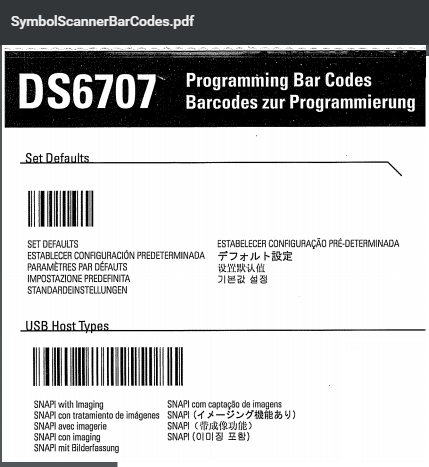
Scanner Barcodes – PDF
Scanner Barcodes – PNG
Leave a Reply Cancel reply0

Your email address will not be published. Required fields are marked *


© 2026 ERO Knowledge Base