How to retrieve returns into the Desktop Software
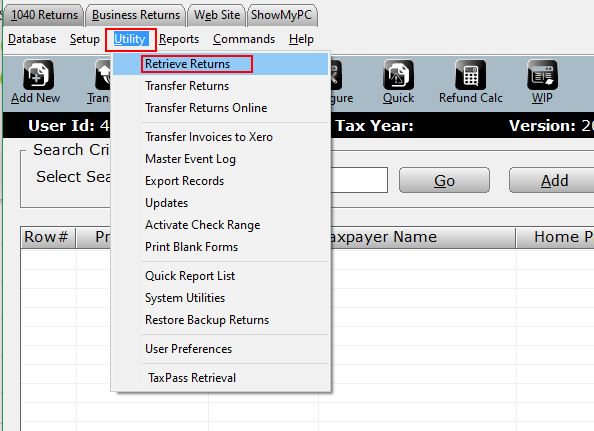
- From the Work in Progress Summary click on the Utility menu.
- Select Retrieve Returns from the dropdown menu.
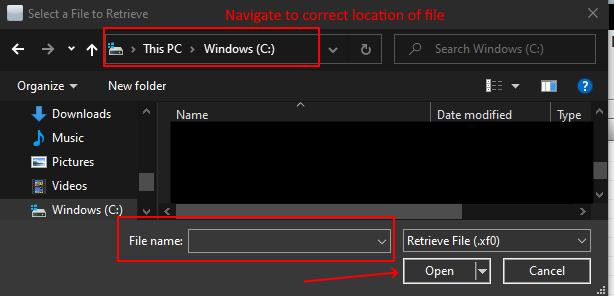
- Navigate to the location of the return file (.xf# or .xb#) and click Open.
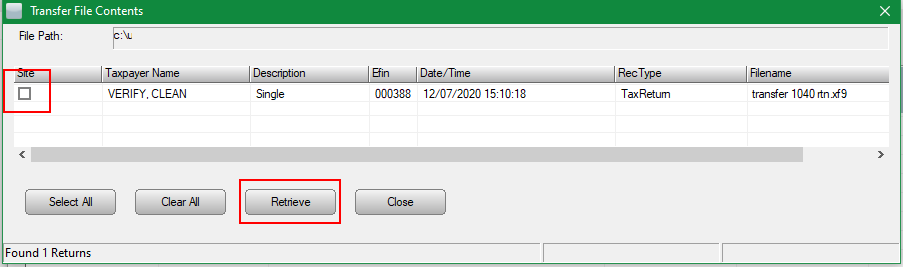
- Select the return(s) to be retrieved by checking the box in the “site” column or click the Select All button. Once returns are selected click Retrieve to import returns into the tax software.
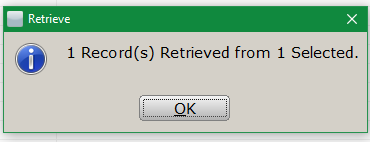
- The following message will display to indicate the record(s) have been retrieved.