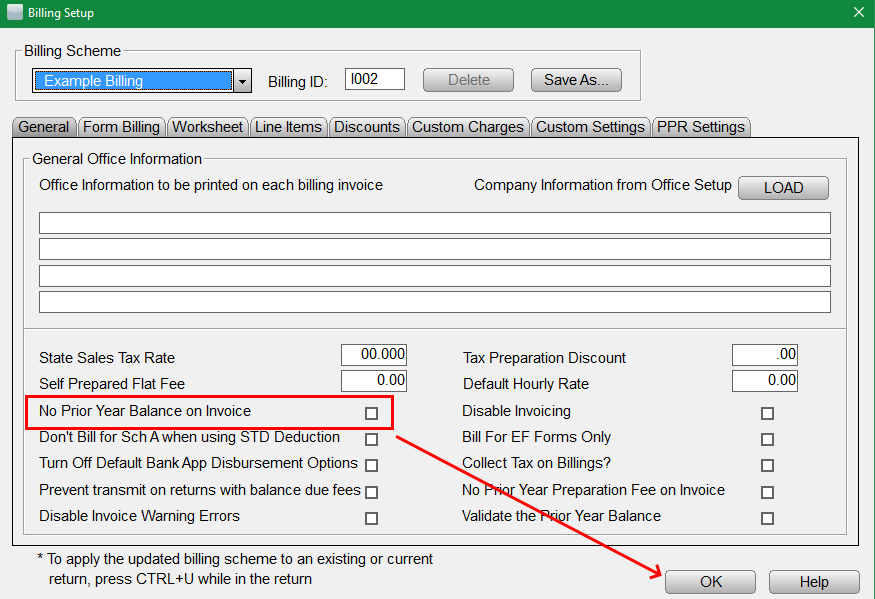
How to Add or Remove The Prior Year Balance on The Invoice
The following short steps provide how to add or remove the prior year balance on the invoice:
- From within the program select Setup> Billing Setup.
- From Billing Setup, check or uncheck the No Prior Year Balance on Invoice under the General tab.
- Click OK to save changes.