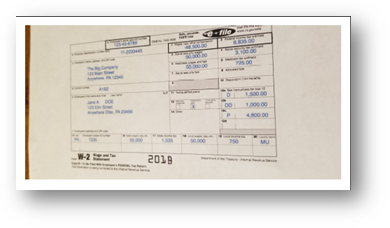
How to View Imported Images
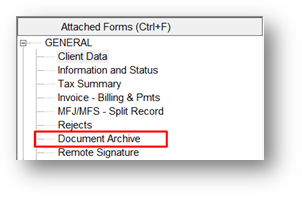
Step 1 From within the imported return. Click on Document Archive under the attached Forms pane on the left.
Step 2 Imported docs with appear in the archived documents listing window.

Step 3 Double click any entry to generate the imported image.